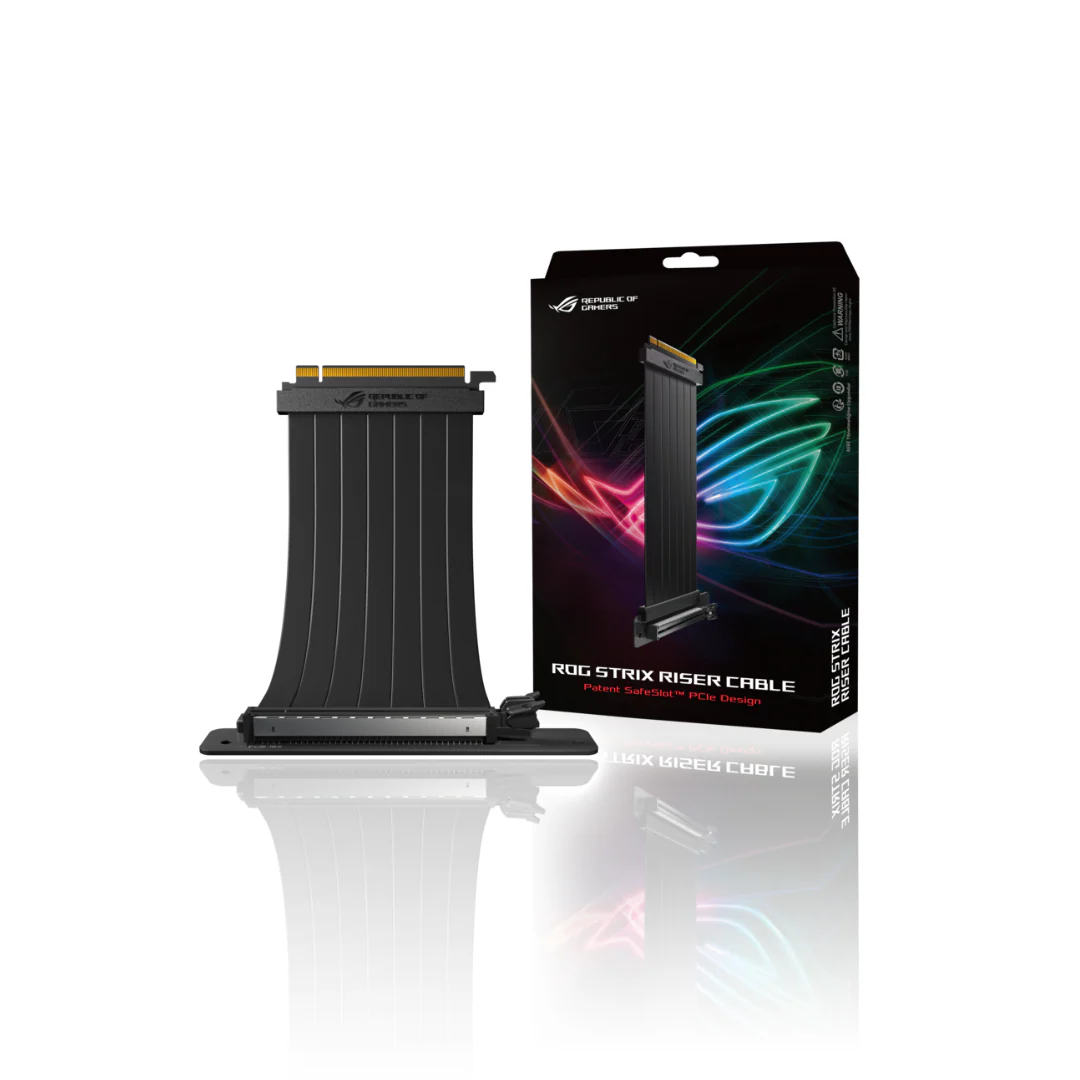
ASUS ROG Strix RS200 Riser Cable
- ASUS Patent SafeSlot™ PCI-E: Featuring a new manufacturing process that integrates fortifying metal and additional solder points, SafeSlot™ makes sure your graphics card connection solid and stable.
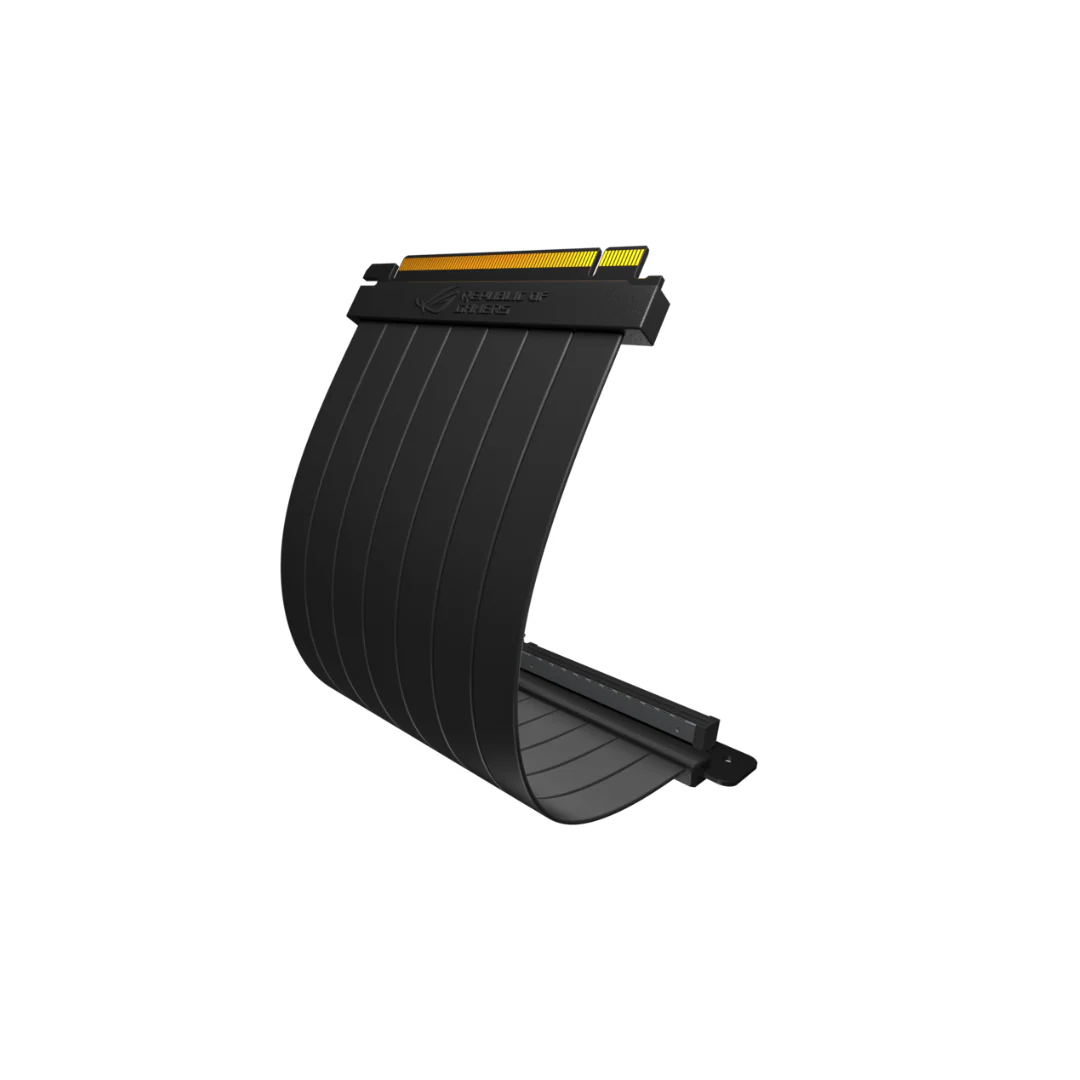
- Bendable, Flexibility And Efficiency: Slim, flat and foldable design achieves transmission efficiency and stability, and easy cable management.
- EMI Shielding: To block interference and performance degradation.
Disclaimer: This product is only compatible for devices that support the PCI-E 3.0 specification. If you use this product with a motherboard that supports PCI-E 4.0, please enter into BIOS option and select PCI-E 3.0 before installation.
Product Information
Product Information
Shipping & Returns
Shipping & Returns
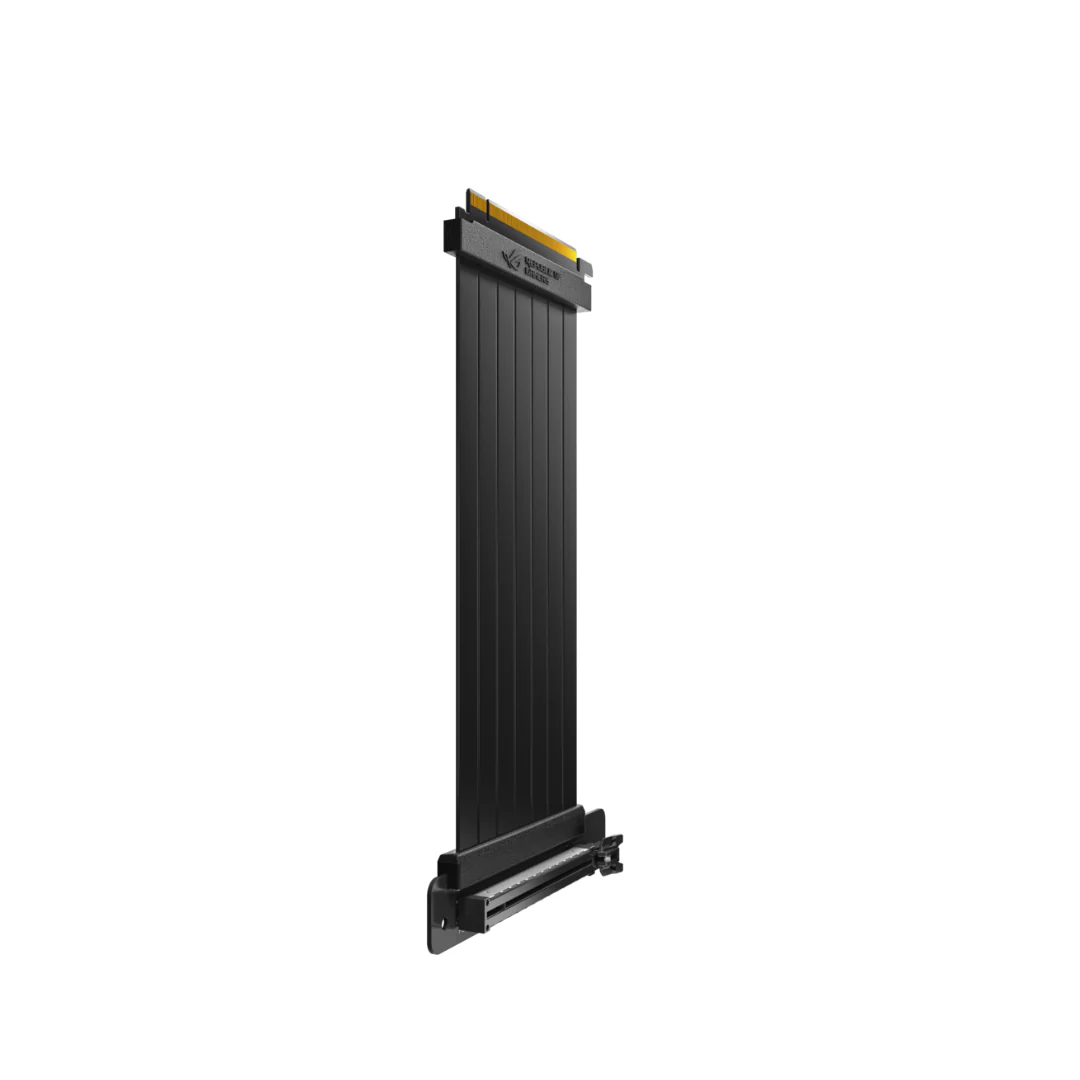
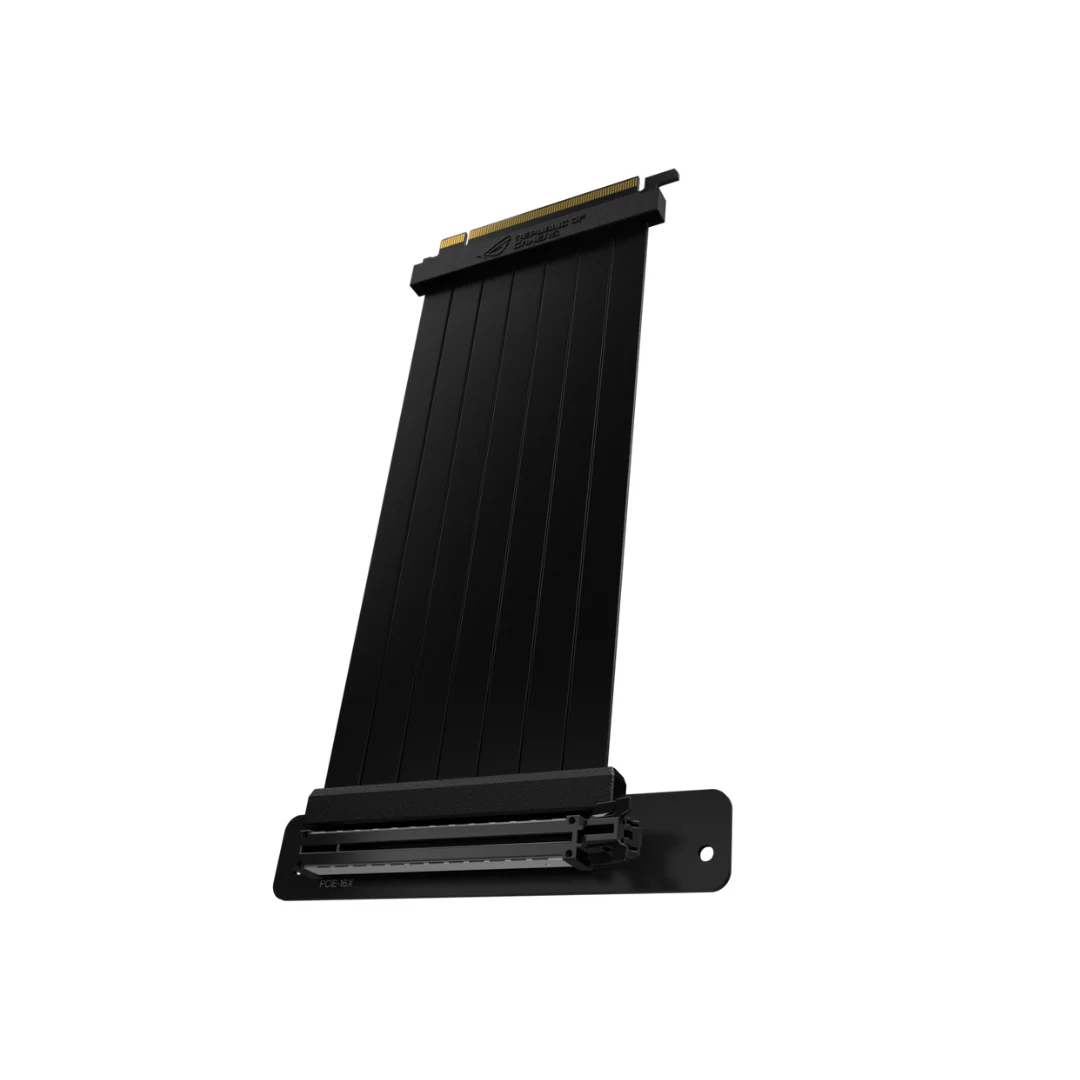
ASUS ROG Strix RS200 Riser Cable
ASUS ROG Strix RS200 Riser Cable
- ASUS Patent SafeSlot™ PCI-E: Featuring a new manufacturing process that integrates fortifying metal and additional solder points, SafeSlot™ makes sure your graphics card connection solid and stable.
- Bendable, Flexibility And Efficiency: Slim, flat and foldable design achieves transmission efficiency and stability, and easy cable management.
- EMI Shielding: To block interference and performance degradation.
Disclaimer: This product is only compatible for devices that support the PCI-E 3.0 specification. If you use this product with a motherboard that supports PCI-E 4.0, please enter into BIOS option and select PCI-E 3.0 before installation.
Original: $19.07
-70%$19.07
$5.72Product Information
Product Information
Shipping & Returns
Shipping & Returns
Description
- ASUS Patent SafeSlot™ PCI-E: Featuring a new manufacturing process that integrates fortifying metal and additional solder points, SafeSlot™ makes sure your graphics card connection solid and stable.
- Bendable, Flexibility And Efficiency: Slim, flat and foldable design achieves transmission efficiency and stability, and easy cable management.
- EMI Shielding: To block interference and performance degradation.
Disclaimer: This product is only compatible for devices that support the PCI-E 3.0 specification. If you use this product with a motherboard that supports PCI-E 4.0, please enter into BIOS option and select PCI-E 3.0 before installation.